
Mechanical Hard Drive Recovery
Lab-based recovery for head failure, motor and spindle faults, and physically damaged hard drives — handled in a controlled environment, not with software alone.
Mechanical failures — damaged read/write heads, a seized or failing spindle motor, platter or media damage, or the aftermath of a physical drop — require disassembly in a controlled environment rather than a software-only approach. Not every mechanically damaged drive is recoverable; the outcome depends on which components are affected and how much internal damage has occurred.
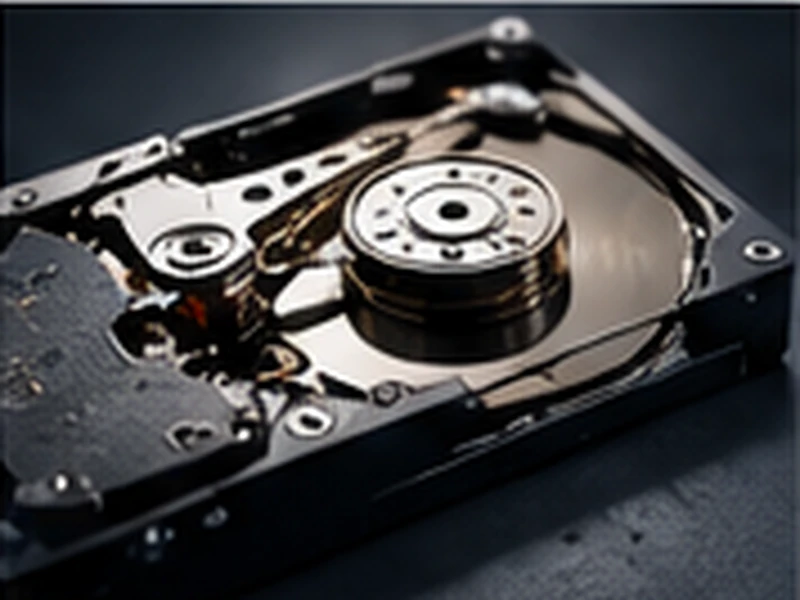
Common Causes of Failure
Head Failure
Damaged or misaligned read/write heads are one of the most common mechanical faults, often producing a clicking or repetitive seeking sound.
Spindle / Motor Failure
A seized or failing spindle motor can prevent the platters from spinning up correctly, or cause uneven rotation that damages data further if the drive keeps running.
Platter / Media Damage
Physical damage to the platter surface itself, whether from a head crash or external impact — recoverability here depends heavily on the extent and location of the damage.
Contamination
Opening a drive outside a controlled, particle-managed environment introduces dust and debris that can cause further, sometimes catastrophic, damage.
Impact / Drop Damage
A physical drop or shock can cause any combination of head, platter, or spindle damage, and should be assessed before the drive is powered on again.
What We Handle
- Clicking or grinding hard drives
- Head crashes and head-stack failure
- Seized or failing spindle motors
- Platter or media damage (case dependent)
- Drives that spin up but are not detected
- Dropped or physically impacted drives
- Donor-component procedures where applicable
Common Signs & Failure Scenarios
Our Recovery Approach
-
1
Physical Damage Assessment
We assess which mechanical components are affected — heads, motor, platters — before any disassembly begins.
-
2
Controlled-Environment Disassembly
Where opening the drive is necessary, this is done in a controlled, particle-managed environment to avoid contaminating the platters.
-
3
Component-Level Repair
Faulty heads or motors are addressed using compatible donor components where applicable, matched to the drive's exact model and firmware.
-
4
Imaging & Extraction
Once the drive can be read, it is imaged and the recoverable data is extracted and verified.
Important: What Not To Do
- Do not open the drive outside a controlled, dust-free environment — this can cause further, sometimes unrecoverable, damage.
- Do not keep powering on a clicking drive.
- Do not swap the circuit board (PCB) with one from another drive without proper matching — this can cause further damage.
- Do not freeze the drive; this is an outdated technique that damages more drives than it helps.
- Do not tap, shake or hit the drive to try to get it working.
Devices & Configurations We Cover
Frequently Asked Questions
No. Recoverability depends on which components are affected and how much internal damage has occurred — some cases, particularly extensive platter damage, may not be fully recoverable.
No. Hard drives need to be opened in a controlled, dust-free environment. Opening one elsewhere introduces contamination that can cause further, sometimes catastrophic, damage.
No. This is an outdated technique that can introduce condensation and cause further mechanical damage — we don't recommend or use it.
Not blindly. PCB swaps require matching firmware and adaptive data to the specific drive — an unmatched swap can cause further damage rather than fixing the issue.
Don't power it on again. Physical impact can cause head, platter, or spindle damage, and continuing to run the drive risks making the damage worse — have it assessed first.
Ready to Start Your Recovery Case?
Tell us what happened to your device and we'll advise on the right next step.
Submit a Case →